Potential partners, clients, and collaborators are often just one email away. But if that first email fails, the conversation ends before it really starts.
That’s why email outreach matters so much in link building. A carefully written, personalized email can open the door to a new partnership, a guest post, or a link on a site you’ve been eyeing for months. And when you’re sending dozens of these emails a week, the right email outreach tools can save you a lot of time.
In this article, we’ll look at how email outreach works in link building, why it sometimes fails, and which tools can make the whole process easier.
Email Outreach Tools Compared
| Инструмент | Лучше всего подходит для | Free option | Paid plans from |
|---|---|---|---|
| SayNine Free Tools | Finding, verifying, and testing emails | Yes, free with no sign-up | Бесплатно |
| Mailmeteor | Mail merges from Gmail, Sheets, or Outlook | Free plan, 50 emails a day | $5.99/month |
| YAMM | Mail merges from Google Sheets | Free plan, 20 recipients a day | $6/month, billed yearly |
| GMass | Outreach campaigns inside Gmail | No free plan | $20/month billed yearly ($29.95 monthly) |
| Snov.io | Lead finding plus drip campaigns | Free Trial plan, renews monthly | $29.25/month billed yearly ($39 monthly) |
What Is Link Building Outreach?
Link building outreach is the process of reaching out to site owners, editors, and content creators and pitching your offer for a backlink.
Построение ссылок outreach is a big part of SEO, because a strong backlink profile helps a site become more visible to both people and search engines. And outreach is usually the very first step in building that profile.
What Are Email Outreach Tools and Why Use Them?
Sales and marketing teams use email outreach all the time, especially cold email outreach. Link builders do the same thing, just with a different goal: they write to site owners and editors to start link collaborations.
Email outreach tools make that process simpler. They help you send personalized emails at scale, schedule follow-ups, and see how each campaign performs.
Why Use an Email Outreach Tool?
Here are the main benefits:
- Saves time: These tools automate the repetitive parts of outreach, such as sending emails, tracking opens and clicks, and following up.
- Makes personalization easier: Merge tags let you add each recipient’s name, website, or other details, so your emails feel less like a template.
- Helps deliverability: Many tools include features like verification and warm-up that may help more of your emails reach the inbox.
- Shows what works: Tracking and reports help you see which subject lines, pitches, and follow-ups get replies.
Почему ваша рассылка по электронной почте терпит неудачу?
In link building, outreach is never a one-time thing. You always need new contacts, new sites, and new opportunities, so even small mistakes add up over time.
Here are some of the most common reasons outreach emails fail:
- Spam words and phrases that push your email into the spam folder
- Weak subject lines that don’t give people a reason to open
- No clear purpose, so the reader doesn’t know what you’re asking for
- Generic templates with a pitch that doesn’t fit the site
- Old or wrong contact data, so your email reaches the wrong person or bounces
What Metrics Should You Measure in Email Outreach?
You can only improve what you measure, so it helps to keep an eye on a few key numbers:
- Open rate: The share of recipients who open your email. It’s a good first sign of how well your subject line works.
- Click-through rate (CTR): The share of recipients who click a link in your email.
- Conversion rate: The share of recipients who take the action you wanted, like agreeing to a collaboration.
- Bounce rate: The share of emails that never reach the inbox. Good доставляемость холодных писем helps keep this number low.
- Unsubscribe rate: The share of recipients who ask to stop getting your emails.
- Response rate: The share of recipients who reply. In link building, this is often the number that matters most.
5 Best Email Outreach Tools for Link Building in 2026
Link building outreach takes a lot of time. The right tools can take care of the most time-consuming tasks, such as:
- Finding contacts: Getting the email addresses of the right people
- Personalization: Adding names, website URLs, and other details to your templates
- Scheduling: Sending emails at the right time for each recipient
- Follow-ups: Setting automatic reminders when someone doesn’t reply
- Tracking: Showing how your outreach performs
Before you invest in any outreach tool, it’s also worth understanding the overall стоимость построения ссылок, so you can plan your budget wisely.
Now, let’s get to the tools.
SayNine Free Tools
Лучше всего подходит для: Finding, checking, and testing emails before you send, all free with no sign-up
Before you send a single outreach email, you need the right address, a real inbox, and a subject line people actually want to open. SayNine’s free email tools help with all three.
Генератор вариантов email
Итоговый Генератор вариантов email turns a person’s name and company domain into 30+ likely email formats, so you don’t have to guess the address one try at a time.
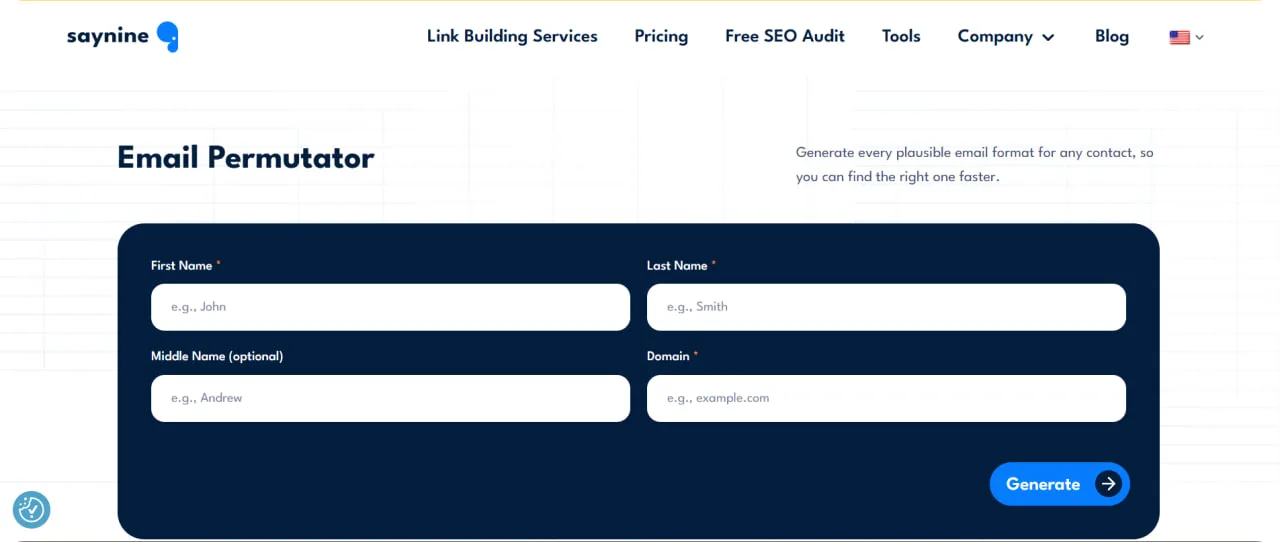
Here’s how to use it:
- Enter the person’s first and last name, plus a middle name if you know it.
- Add their work domain, not a Gmail address.
- Click Generate, then copy or download the list.
Проверка почты
Итоговый Проверка почты checks an address’s syntax, mail server, and mailbox live, without sending anything. That way, you can skip addresses that would bounce and protect your sender reputation.
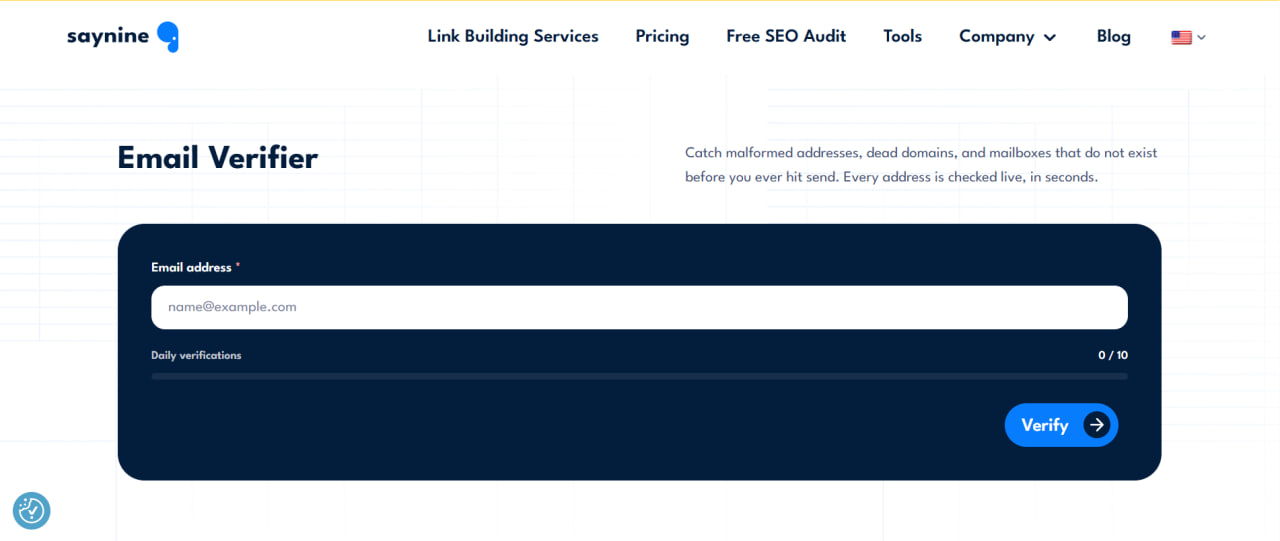
Here’s how to use it:
- Paste the email address you want to check.
- Click Verify.
- Look at the risk level, then keep only the addresses with a working mailbox.
Тестер темы письма
Итоговый Тестер темы письма scores your subject line out of 100, flags spam triggers, and shows how it will look in desktop and mobile inboxes.
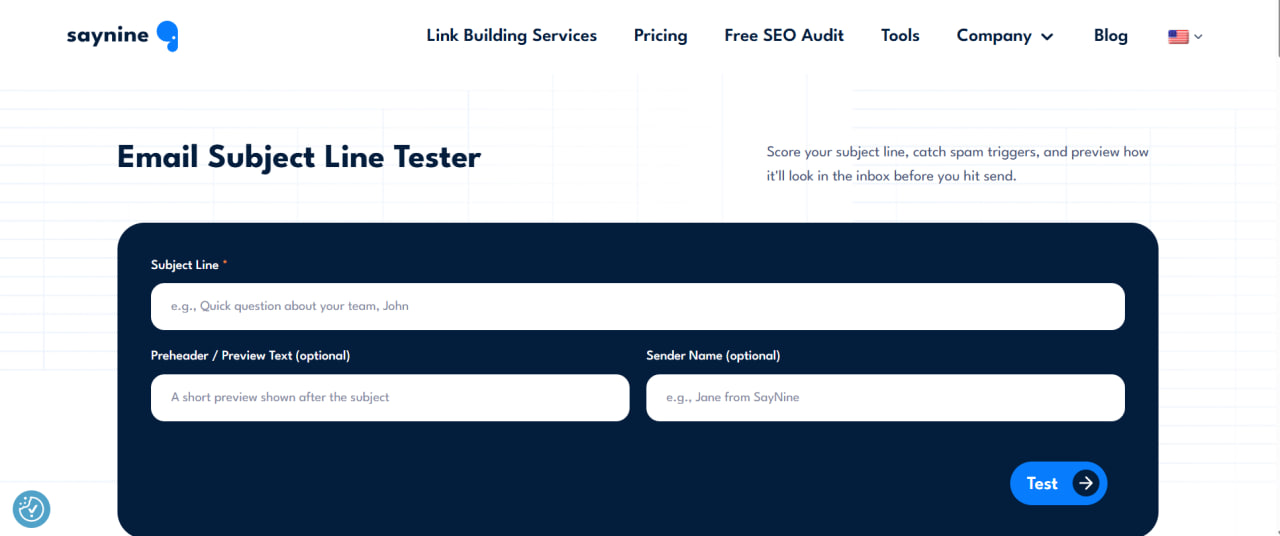
Here’s how to use it:
- Type your subject line, and add a preheader and sender name if you like.
- Check the score and suggestions.
- Adjust the wording, aiming for about 35 to 50 characters.
Pricing and Plans
All three tools are free to use, with no sign-up. The Email Verifier gives you 10 free checks a day.
Mailmeteor
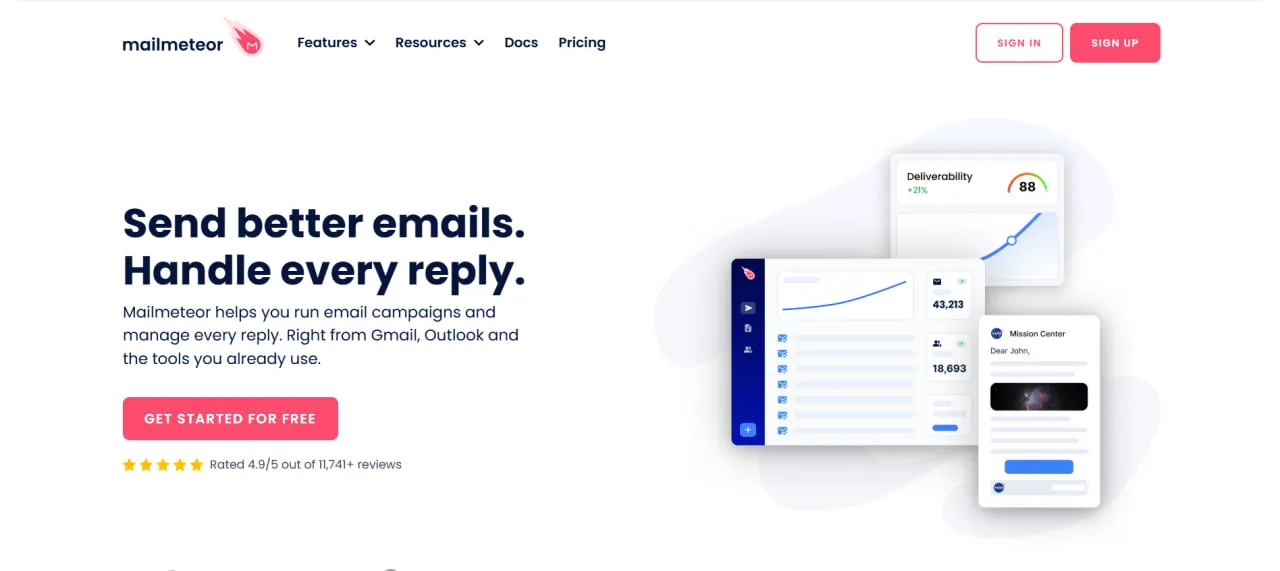
Лучше всего подходит для: Simple mail merges from Gmail, Google Sheets, or Outlook
Mailmeteor helps you send personalized mail merges and follow-ups from one place. It’s an easy pick if your prospect list already lives in a spreadsheet.
Automated Follow-Ups
Many replies only come after the second or third email, so automated follow-ups are a big help in link building.
Here’s how to use it:
- Write your first outreach email.
- Add one or more follow-ups with a delay between them.
- Mailmeteor sends them only to people who haven’t replied yet.
A/B Testing
You can test different subject lines and email content to see what gets the best response from your audience.
Here’s how to use it:
- Create two versions of your subject line or email.
- Send each version to part of your list.
- Compare the results and use the winner for the rest of your outreach.
Just keep in mind that Mailmeteor follows your email account’s sending limits. Google Workspace accounts can send up to 2,000 emails a day, while regular @gmail.com accounts are capped at 500.
Mailmeteor Pricing and Plans
You’ll find the full details on the Mailmeteor pricing page.
- Free: 50 emails a day (500 a month)
- Стартовый: $5.99/user a month, 250 emails a day
- Премиум: $17.99/user a month, 1,000 emails a day
- Professional: $35.99/user a month, 2,000 emails a day
Yearly billing gives you 3 months free.
YAMM
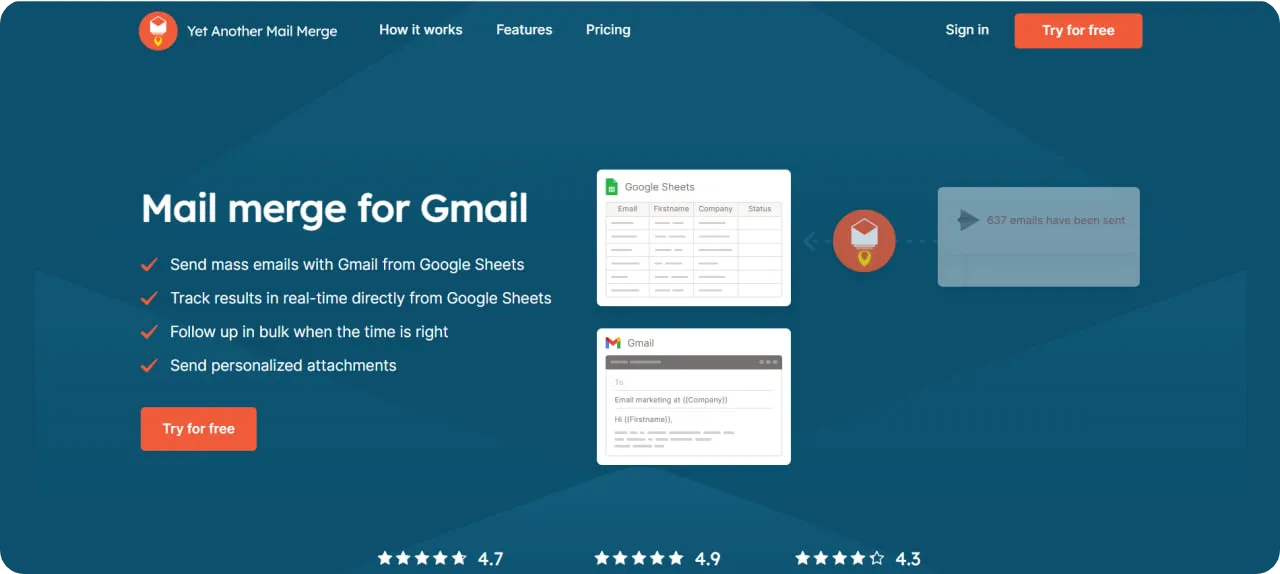
Лучше всего подходит для: Google Sheets users who want a quick mail merge with tracking
Yet Another Mail Merge (YAMM) lets you send personalized mail merges from Gmail using a list in Google Sheets. Many link builders already keep their prospects in Sheets, so YAMM can feel familiar from day one.
Mail Merge From Google Sheets
Here’s how to use it:
- Prepare your list in Google Sheets (you can also import from Google Contacts).
- Write your email template in Gmail.
- Start the mail merge from Sheets and send.
Real-Time Tracking
YAMM tracks opens, clicks, replies, bounces, and unsubscribes right in your sheet, so you can see which prospects to follow up with.
Here’s how to use it:
- Send your campaign.
- Open your sheet to see each recipient’s status.
- Filter by status and send a follow-up to people who didn’t reply.
YAMM Pricing and Plans
You’ll find the full details on the YAMM pricing page.
- Free: up to 20 recipients a day
- Pro with an @gmail.com account: $6/month, billed yearly at $72, up to 400 recipients a day
- Pro with Google Workspace (or Team, per user): $12/month, billed yearly at $144, up to 1,500 recipients a day
These are US prices. YAMM’s price depends on your billing country.
GMass
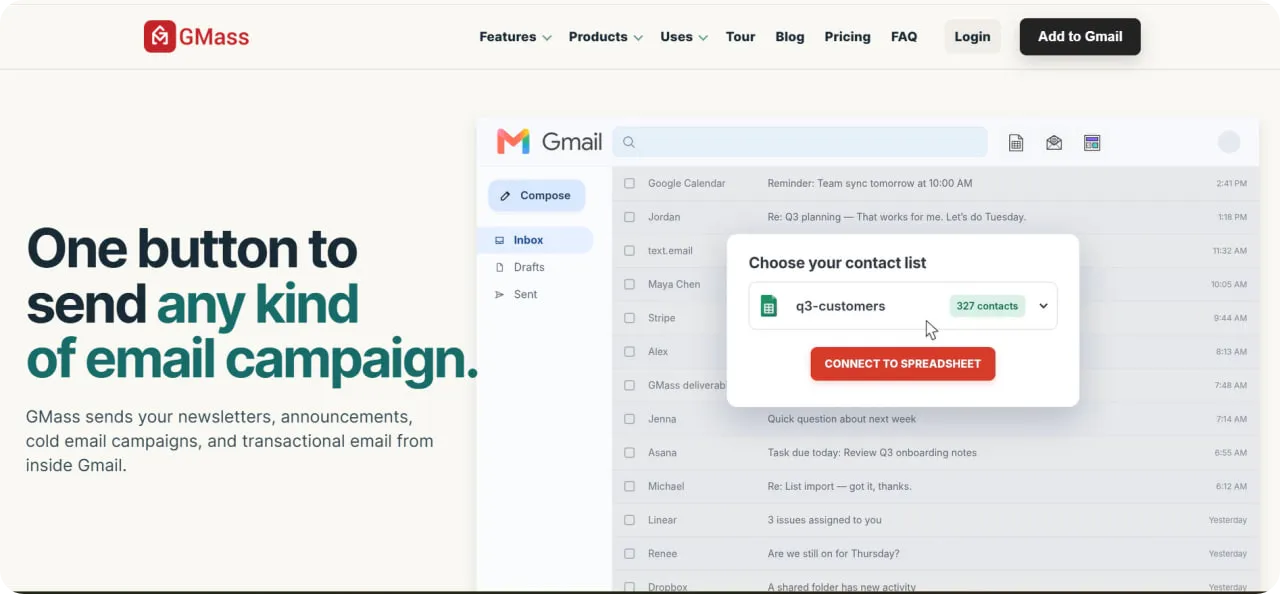
Лучше всего подходит для: Gmail users who send outreach campaigns every week
GMass works right inside Gmail, so you can run outreach campaigns without leaving your inbox. Every plan includes unlimited emails. Just note that it only works with Gmail and Google Workspace accounts, and there’s no free plan.
Automatic Follow-Up Sequences
Here’s how to use it:
- Write your outreach email in Gmail.
- Open the GMass settings and add follow-up stages with the days between them.
- Send, and GMass follows up with people who don’t reply.
Behavior-Based Sends
You can send to specific groups from an earlier campaign, such as people who opened your last email but didn’t reply.
Here’s how to use it:
- Pick an earlier campaign.
- Choose the group you want, such as people who opened or people who didn’t click.
- Write a fresh email for that group and send it.
GMass also sorts replies and bounces automatically, and the Professional plan adds inbox rotation, so you can spread sending across more than one account.
GMass Pricing and Plans
You’ll find the full details on the GMass Ценообразование page.
- Standard: $29.95/month, or $20/month billed yearly ($249/year)
- Premium: $39.95/month, or $29/month billed yearly ($349/year)
- Профессиональный: $59.95/month, or $49/month billed yearly ($599/year)
Snov.io
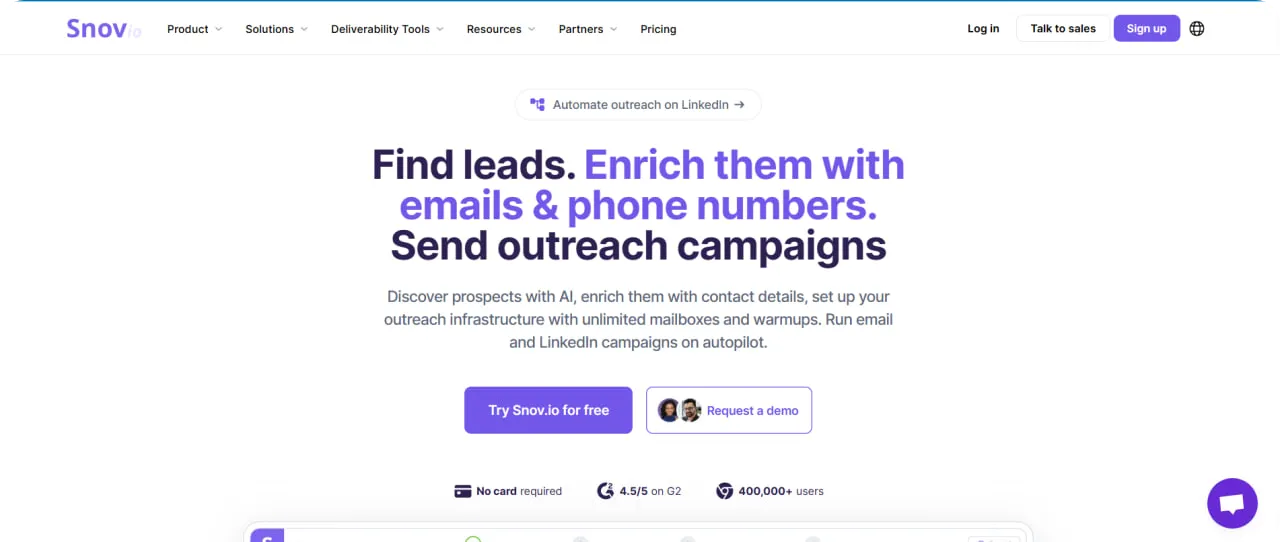
Лучше всего подходит для: Finding leads and running drip campaigns in one tool
Snov.io combines lead finding and outreach in one place. That makes it useful when you’re building a list of publishers, editors, and other link partners from scratch.
Lead Finding and Email Verification
You can collect email leads from websites and LinkedIn, then verify them before you send. This can help lower your уровень возврата электронной почты, although, like any lead database, some contact data may be outdated.
Here’s how to use it:
- Search for prospects by domain or find them on LinkedIn.
- Save them to a list.
- Verify the addresses before you add them to a campaign.
Drip Campaigns With Unlimited Follow-Ups
Here’s how to use it:
- Create a campaign and add your verified list.
- Set up your first email and follow-ups with delays between them.
- Turn on email warm-up (on paid plans) and launch.
If you use LinkedIn для построения ссылок, Snov.io can also help you reach prospects there.
Snov.io Pricing and Plans
You’ll find the full details on the Snov.io pricing page.
- Free Trial: 50 credits, 100 recipients, and 1 email warm-up, renewed every month
- Стартовый: $39/month, or $29.25/month billed yearly, with 1,000 credits, 5,000 recipients, 3 email warm-ups, and unlimited follow-ups
- Pro: from $99/month, or $74.25/month billed yearly
FAQ About Email Outreach Tools
What is the 30/30/50 rule for cold emails?
The 30/30/50 rule is a simple way to think about where cold email results come from. About 30% depends on reaching the right people, 30% on the email itself, and 50% on following up, since many first emails go unanswered. It’s a rule of thumb rather than exact math, but it’s a good reminder for link building outreach: tools with automatic follow-ups, like Mailmeteor, GMass, and Snov.io, can help you cover that last 50%.
What are email marketing tools?
Email marketing tools help you create, send, and track emails to many people at once. Some are built for newsletters and campaigns to your own subscribers. Others, like the outreach tools in this article, focus on personalized one-to-one emails and follow-ups. For link building, outreach tools are usually the better fit, since you’re writing to site owners who don’t know you yet.
Могу ли я интегрировать эти инструменты и расширения с моей существующей CRM или другим программным обеспечением?
In many cases, yes, but it depends on the tool and the plan. Mailmeteor connects with other apps through Zapier, starting on its Starter plan. GMass offers API access and Zapier on its Professional plan.
Snov.io has its own built-in CRM, and its integrations are included on paid plans but not on the free Trial. YAMM works directly with Google Sheets and Google Contacts.
So before you choose, check whether the plan you’re looking at supports the apps you already use.
How to use outreach for link building?
Start by finding sites in your niche that would genuinely benefit from linking to you, such as pages that already cover your topic or list tools like yours. Then find the right person to contact, verify their email, and send a short, personalized pitch that explains why your page is useful for their readers. If you don’t hear back, follow up once or twice with a new angle.


Викторина
Давайте проверим ваши знания.
Оставьте свой адрес электронной почты ниже, чтобы получить сертификат SayNine!
Вы уверены?